
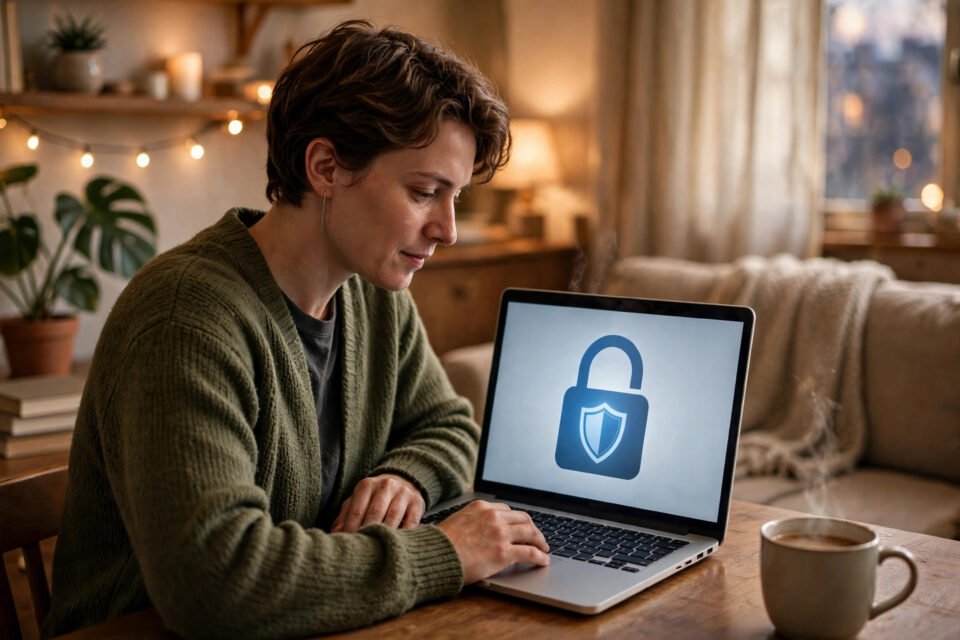
You do not need technical skills to learn how to protect your online privacy. A few simple habits — stronger passwords, careful sharing, and safer browsing — can make a big difference to how much of your personal information is exposed online.
Use Strong, Unique Passwords
Use a different password for every account, especially for email, banking, and social media. A password manager can create and store strong, unique passwords for you, so you do not have to remember them all or reuse the same one everywhere.
Turn On Two-Factor Authentication
Two-factor authentication adds a second check, usually a code sent to your phone or generated by an app, when you sign in. Turn it on first for your email, social media, and banking accounts, because those accounts often unlock access to many others.
Be Careful What You Share
Think before you post your birth date, home address, or travel plans. Check your privacy settings regularly, and be careful with online quizzes that ask for personal details. Small pieces of information can be combined to build a surprisingly complete picture of you.
Browse and Shop More Safely
Look for https and a padlock symbol before you enter personal or payment details on a website. On public Wi-Fi, avoid sensitive tasks or use a VPN. Remember that private browsing hides your history on your own device, but it does not make you anonymous online. Keep your apps, browser, and devices updated, and learn how to keep your phone battery healthy for longer so your device stays reliable as well as secure.
Review App Permissions Regularly
Check which apps can access your contacts, photos, microphone, and location. Remove permissions that an app does not need, and delete apps you no longer use. Fewer permissions mean less personal data is collected and shared.
Watch Out for Phishing
Be suspicious of urgent messages asking you to verify your account, click a link, or share a code. Check the sender carefully, and if you are unsure, go directly to the official website or app instead of clicking the link in the message.
Conclusion
Start with stronger, unique passwords and two-factor authentication, then review what you share and which permissions your apps have. These simple steps are enough to protect your online privacy far better than before.
